01
Ask Your Question
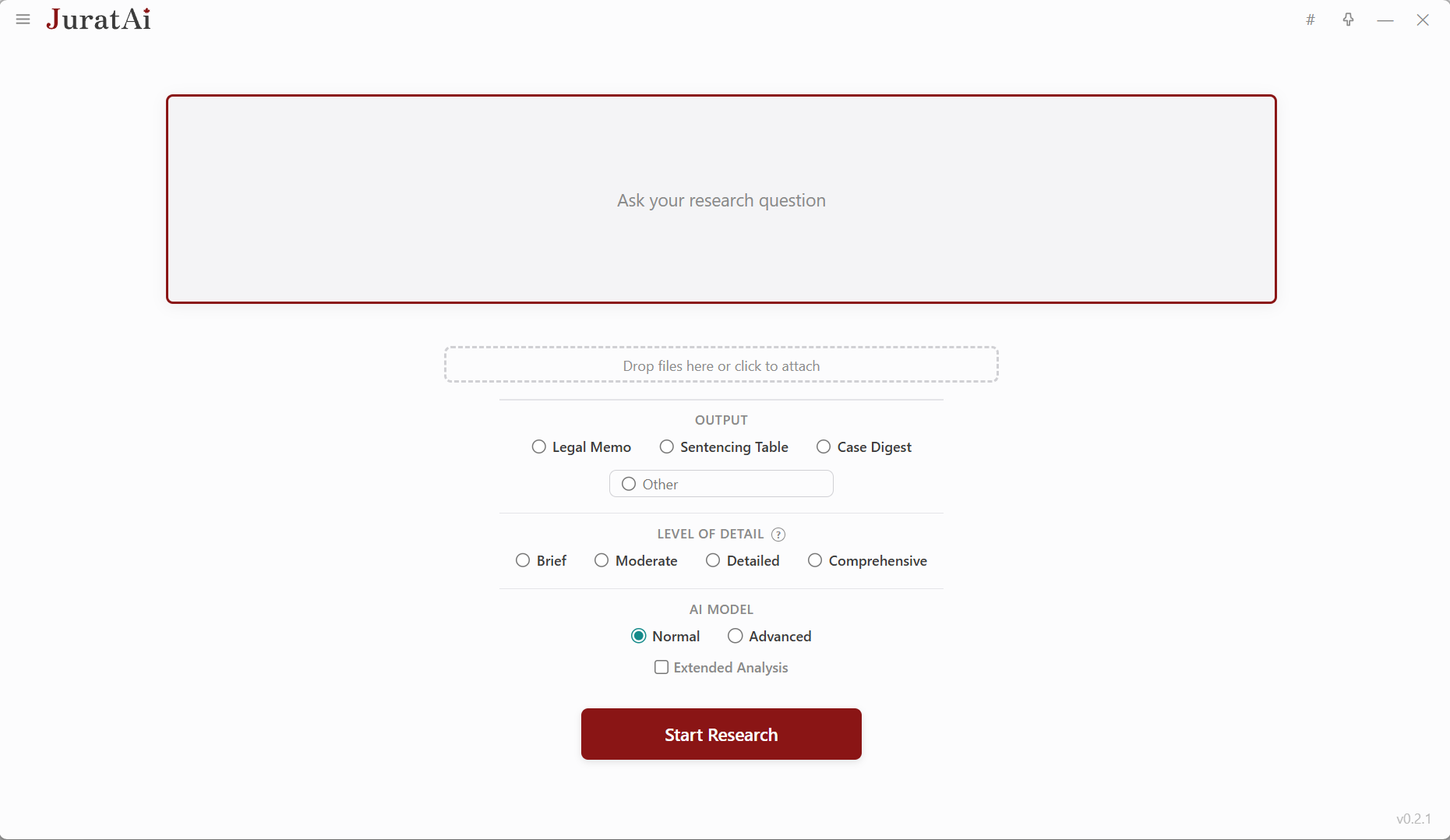
Type your research question, attach relevant documents, choose your output format, and pick the AI model that fits the matter at hand.
See JuratAI in action — from a single research question to a polished memo, plus the firm-wide controls that keep everything running smoothly.
A four-step research workflow built specifically for Canadian legal practice.
Type your research question, attach relevant documents, choose your output format, and pick the AI model that fits the matter at hand.
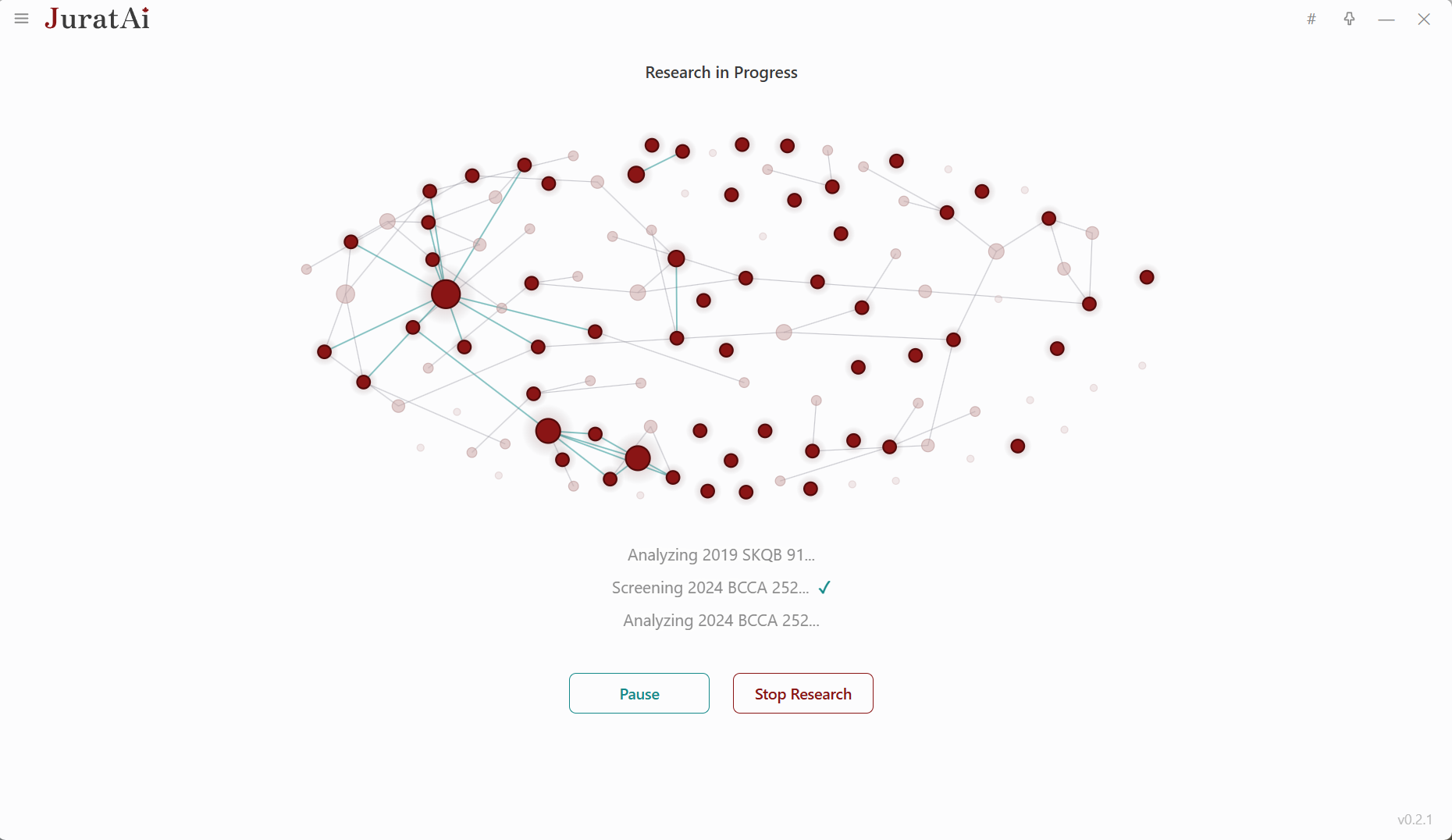
A live visualization shows every case being searched, screened, and analyzed as Jurat works its way through the issue in real time.
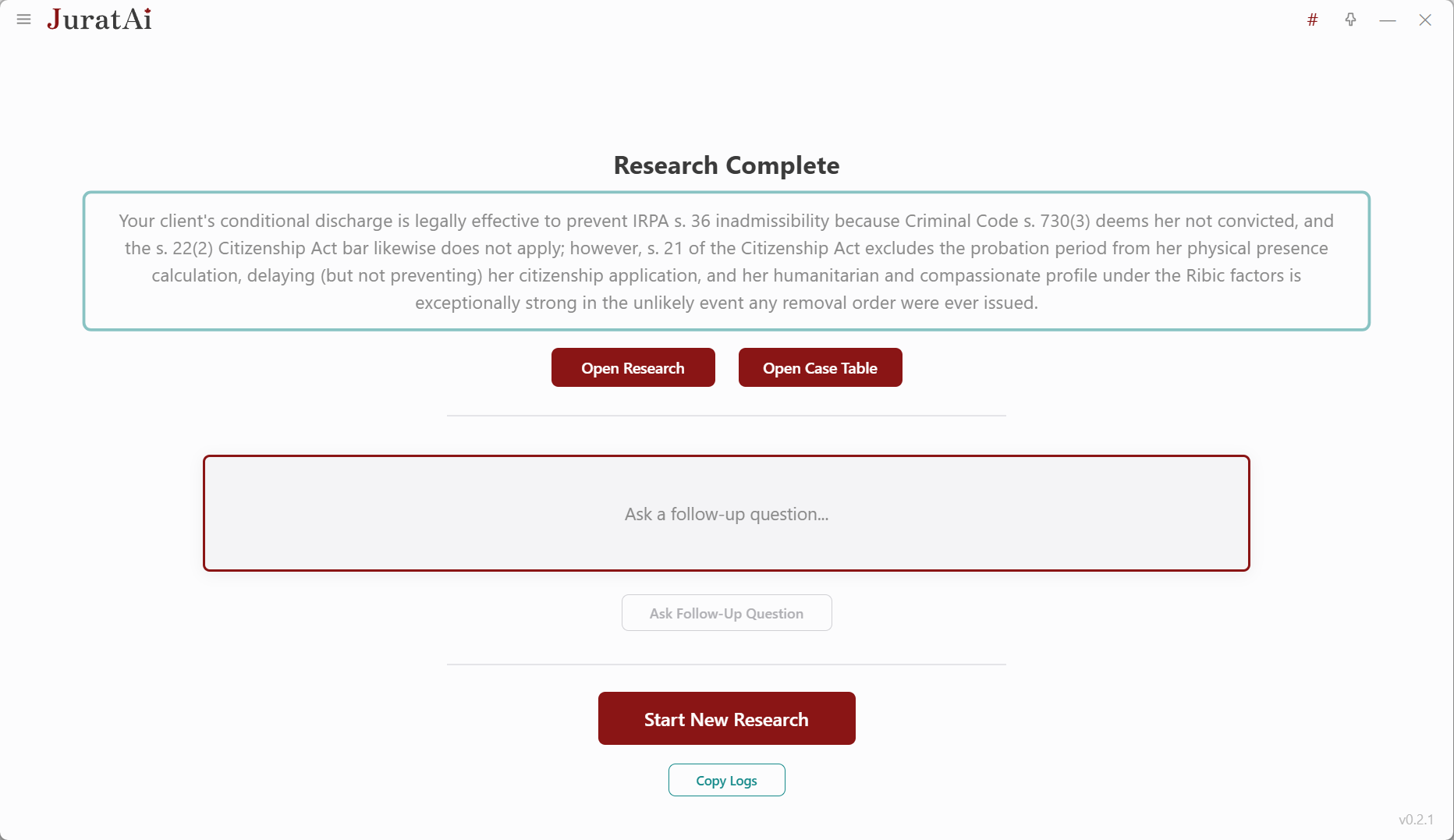
Receive a fully drafted memo and case table with citations. Open the documents, ask follow-up questions, or kick off a brand-new query.
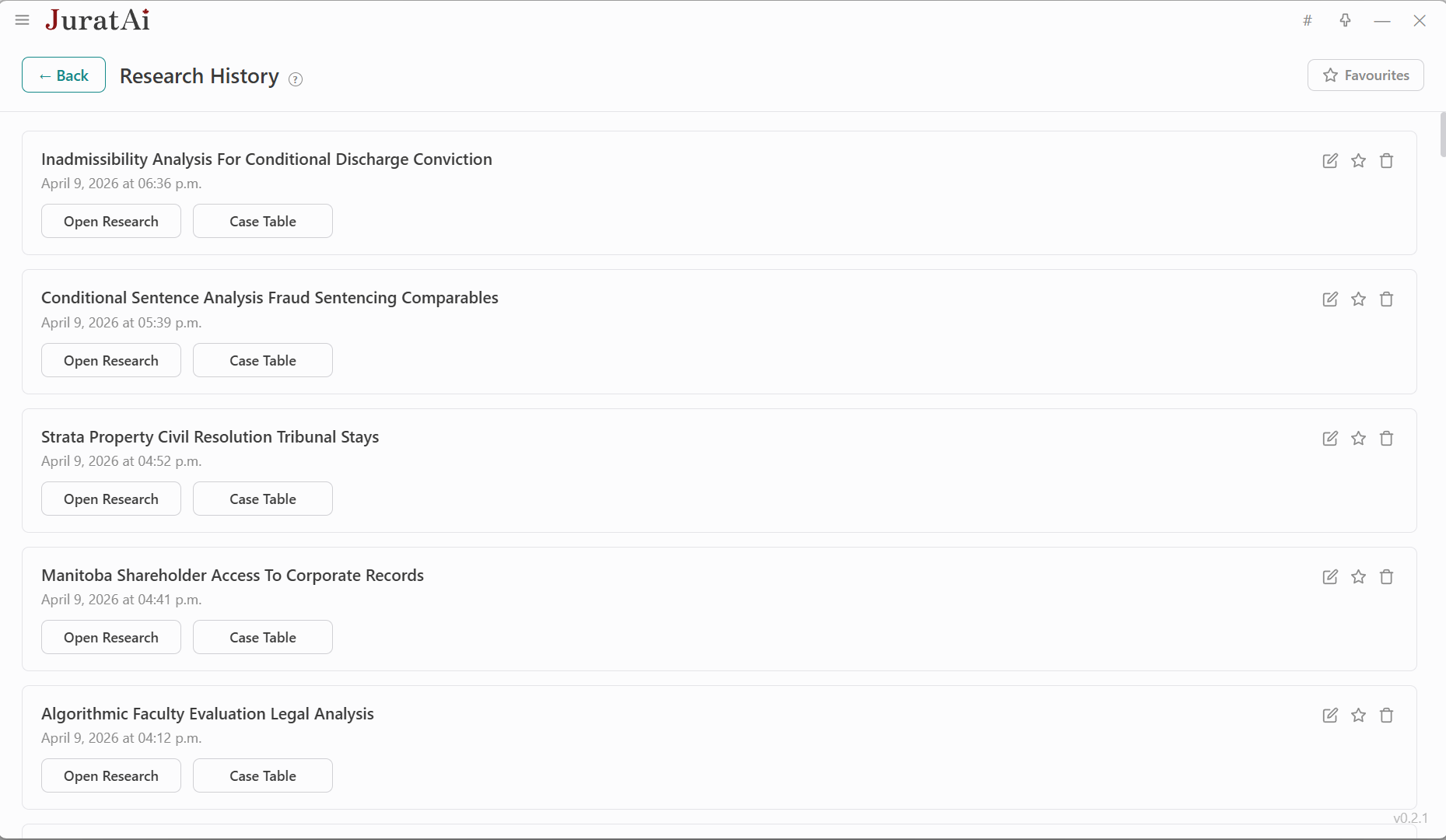
Every research session is saved locally — never synced to the cloud — so you can revisit prior work, mark favourites, and reopen files in one click.
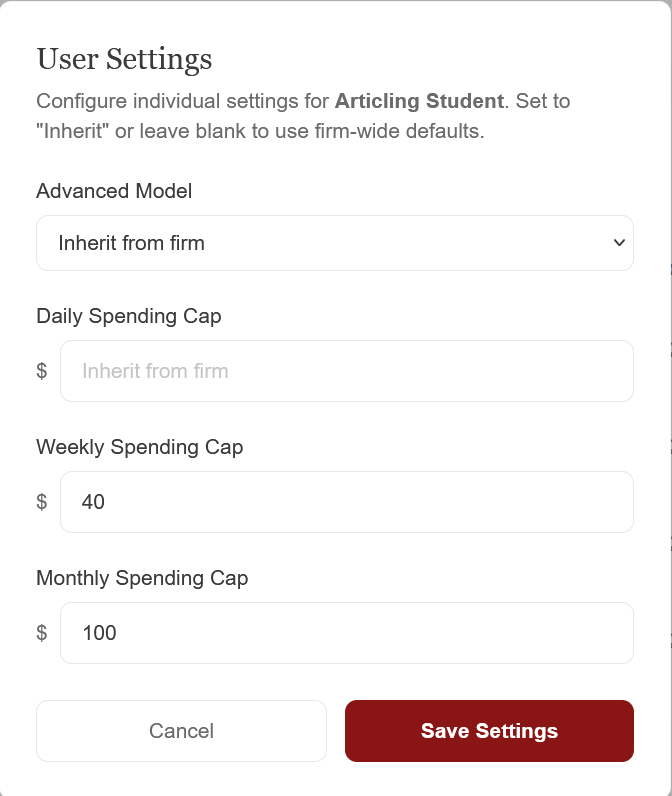
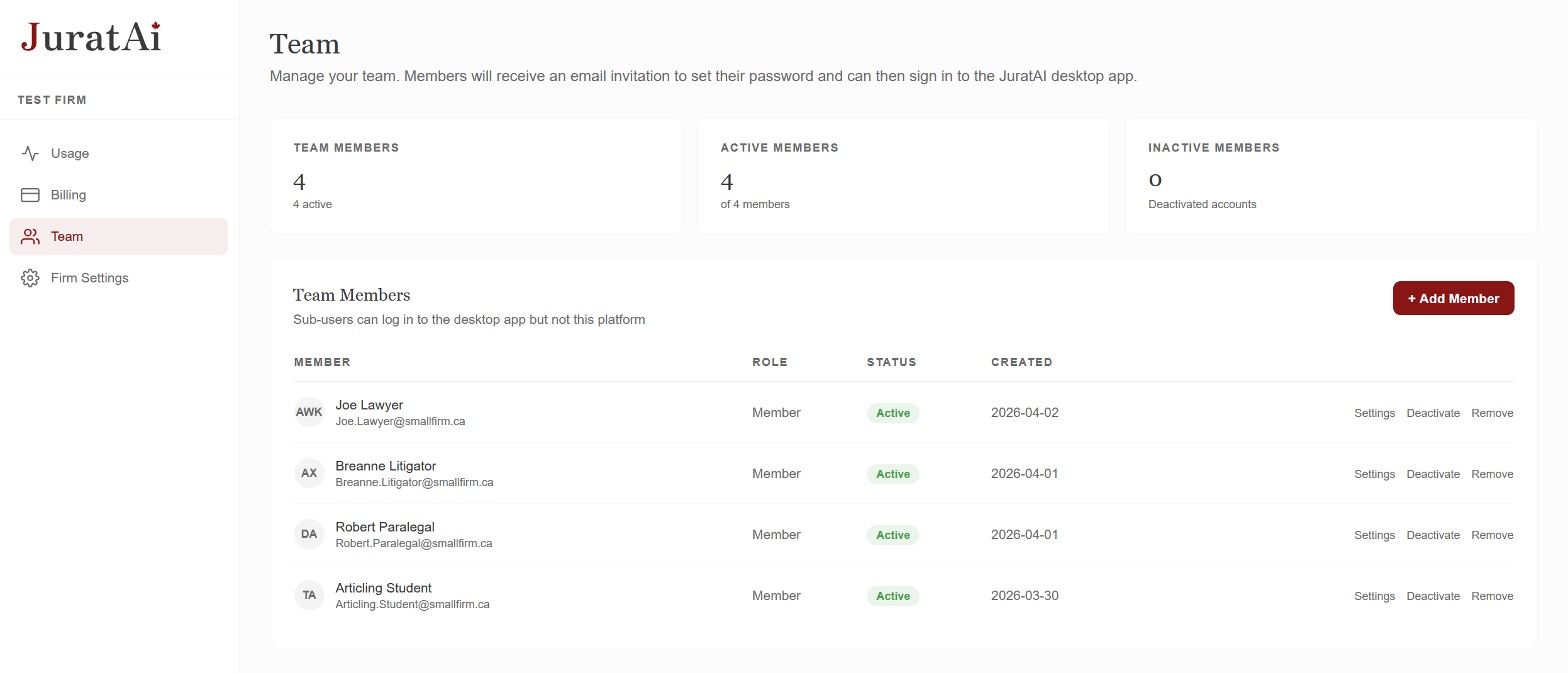
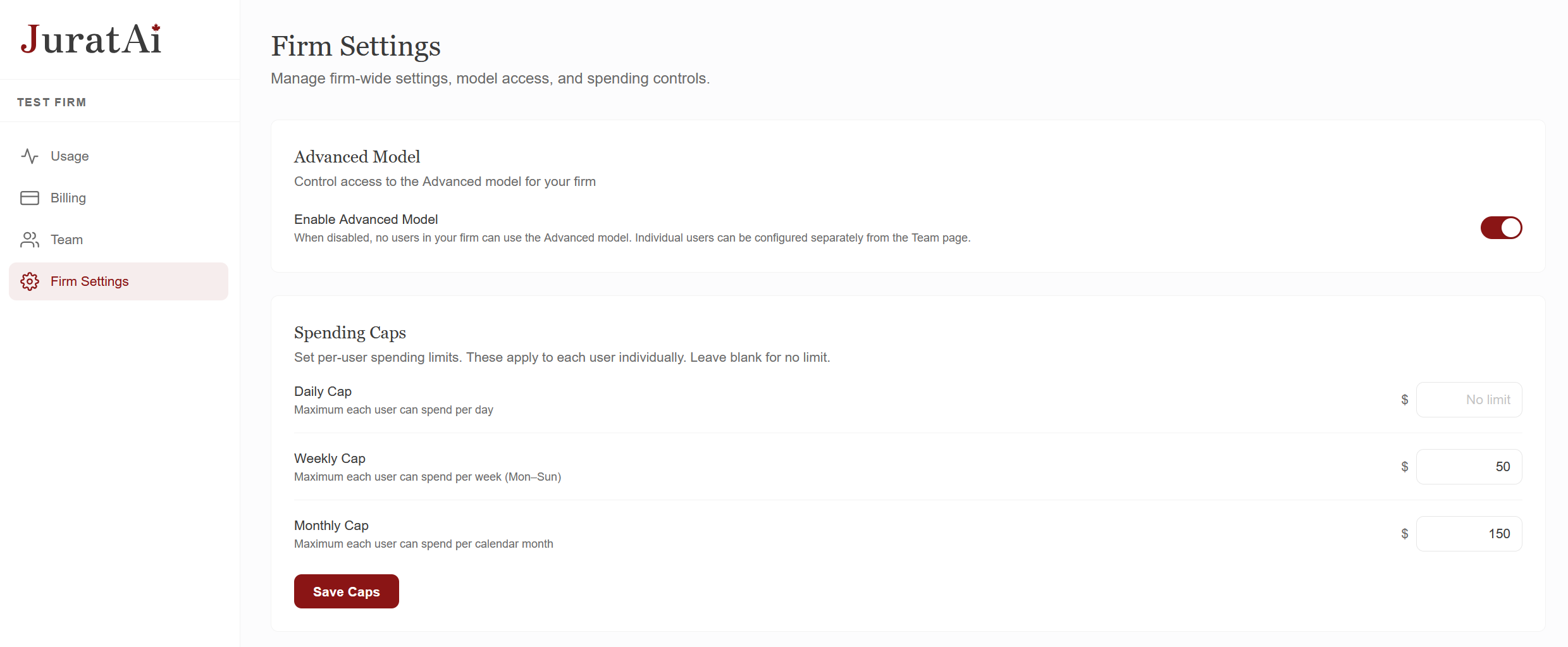
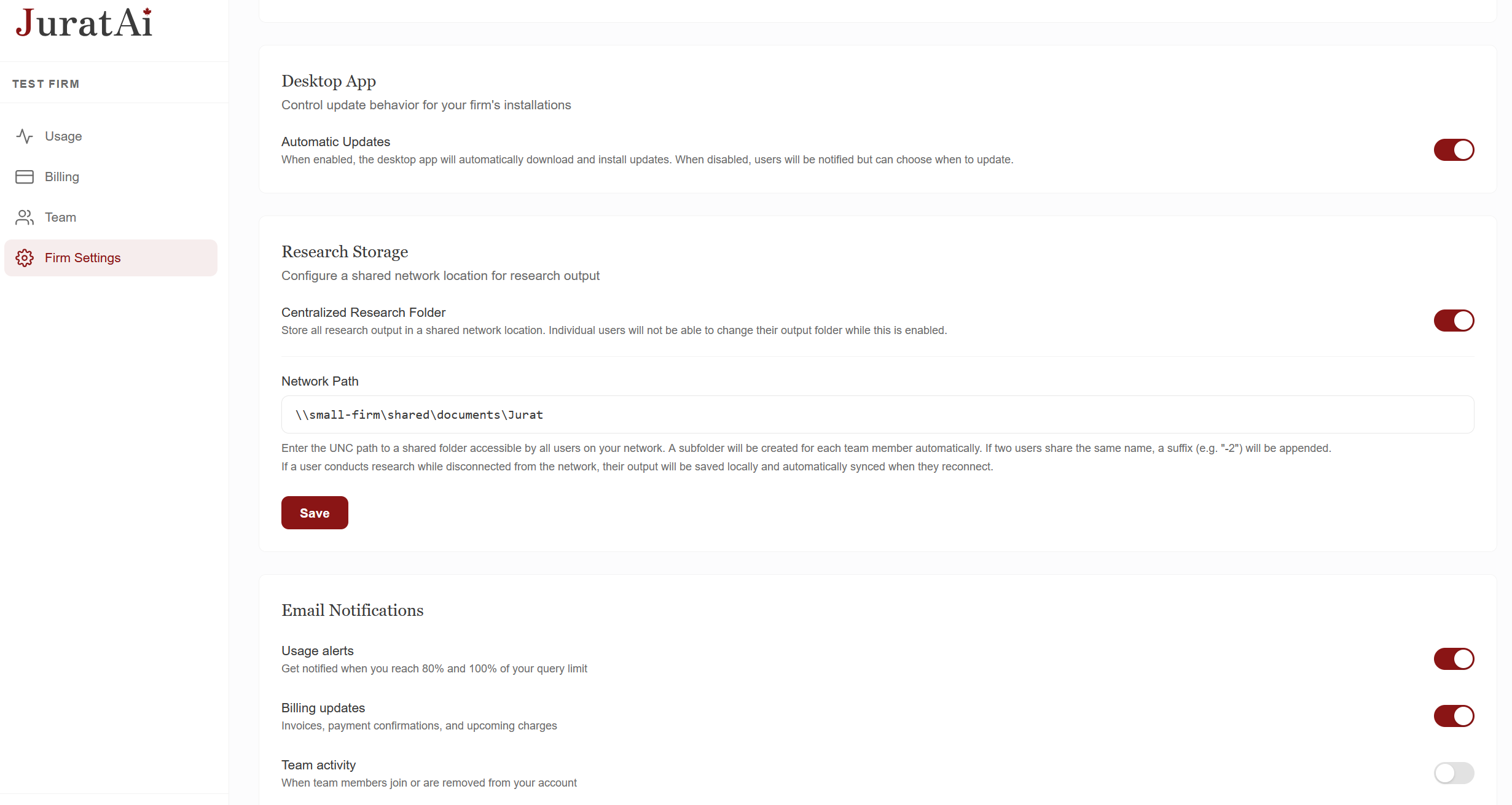
A web console for managing your firm's seats, spending caps, and storage — without ever touching billable time.
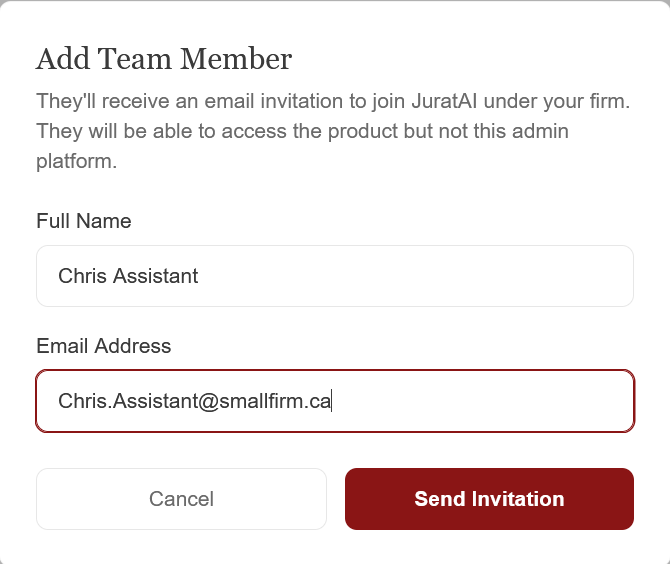
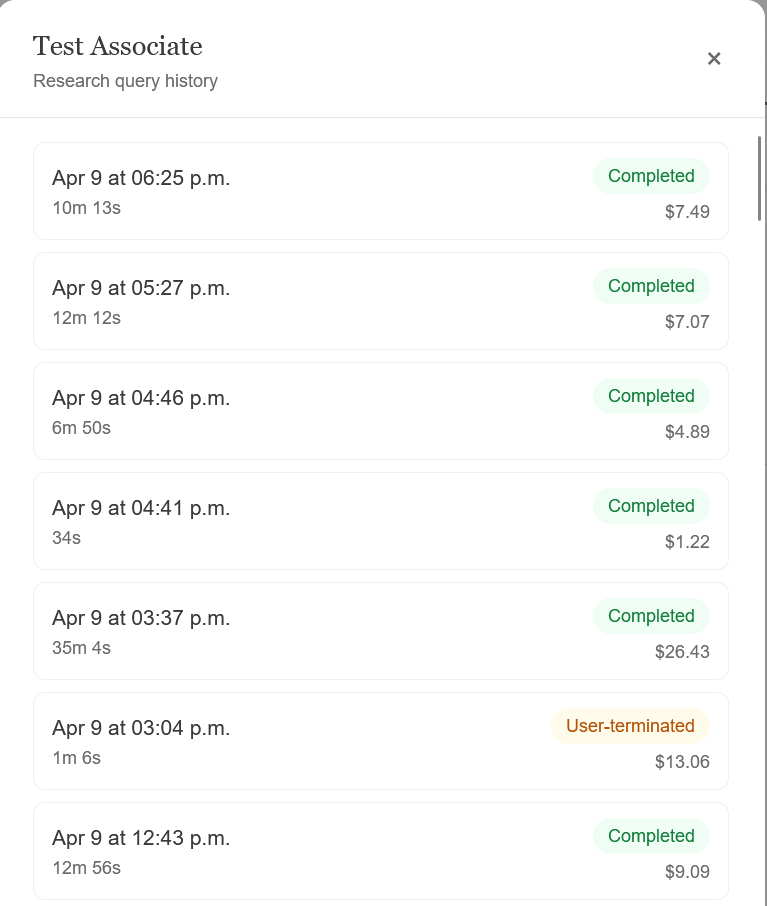
Lightweight modal dialogs handle the day-to-day actions — adding people, fine-tuning a user, or auditing a session.